Log into PMM
Basic authentication
Basic authentication is the default method, using usernames and passwords stored in PMM.
To log into PMM with basic authentication:
- Open a web browser and enter the server name or IP address of the PMM Server host:
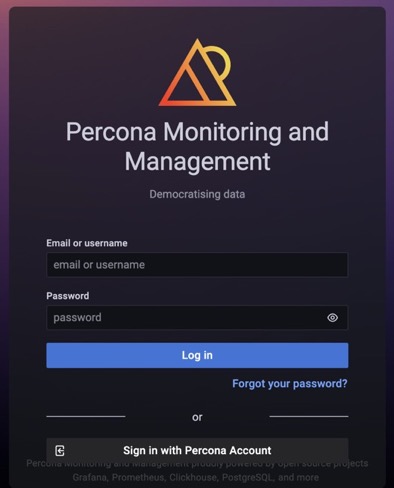
- Enter your username and password:
- Default credentials:
admin/admin -
AWS deployments: The default password is your EC2 Instance ID (found in the AWS Console).
-
Click Log in.
-
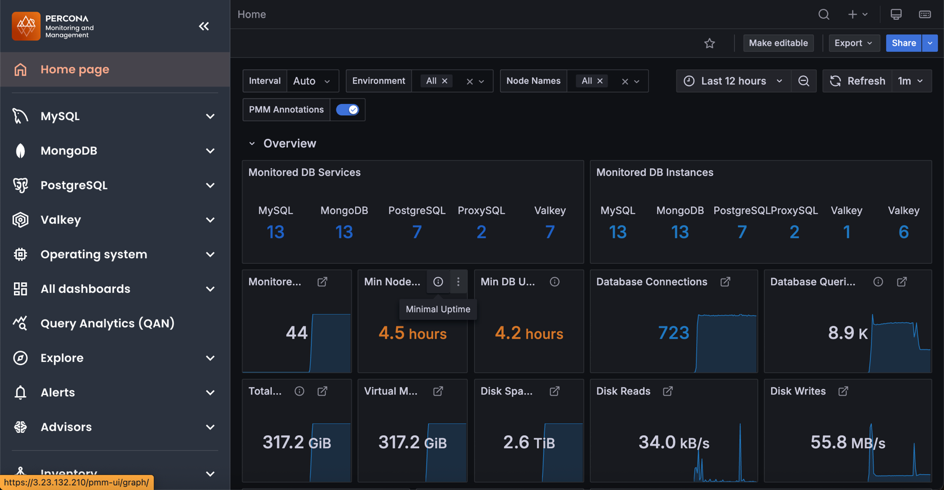
On first login, you’ll be prompted to set a new password. Enter a new password and click Submit, or click Skip to keep the default (not recommended for production).
Other authentication methods
PMM supports all authentication methods available in Grafana, including:
- LDAP - Integrate with your directory service
- OAuth 2.0 - GitHub, GitLab, Google, Azure AD, Okta, and other providers
- SAML - Enterprise single sign-on
For setup instructions, see Grafana’s authentication documentation.